DeductionDog hunts deductions everywhere they hide — your bank feed, your inbox, your camera roll, your odometer — then reconciles every one against your statements and hands your accountant a clean, audit-ready package.
Built with the help of an Enrolled Agent · Bank-grade encryption · Schedule C ready
Three steps to effortless year-round tax prep.
Connect bank accounts and mailboxes, and let the app watch your drives. Imports stay fiscal-year organized.
Receipts, drives, and recurring charges land in a simple review feed. Simply swipe to confirm.
One tap creates an accountant-ready PDF + spreadsheet package with every receipt attached.
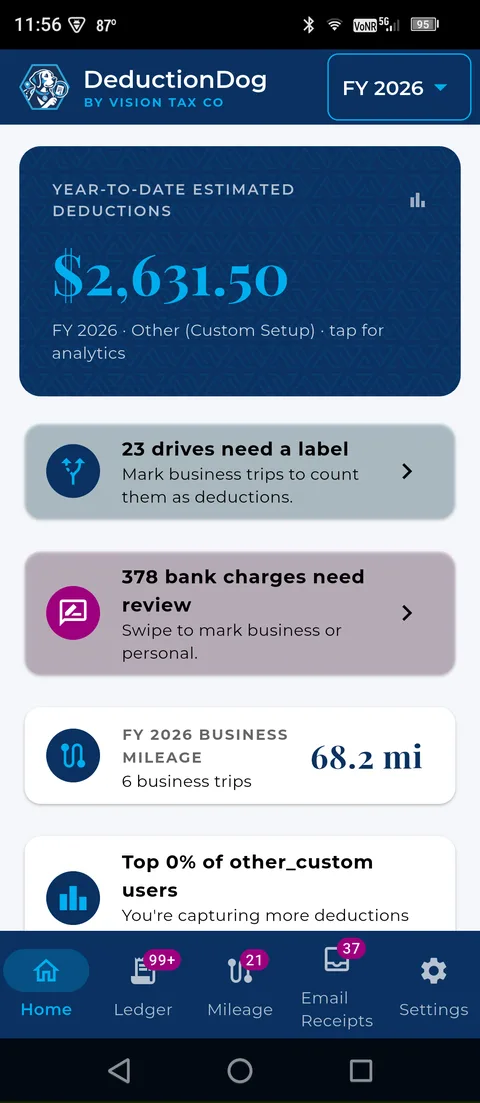
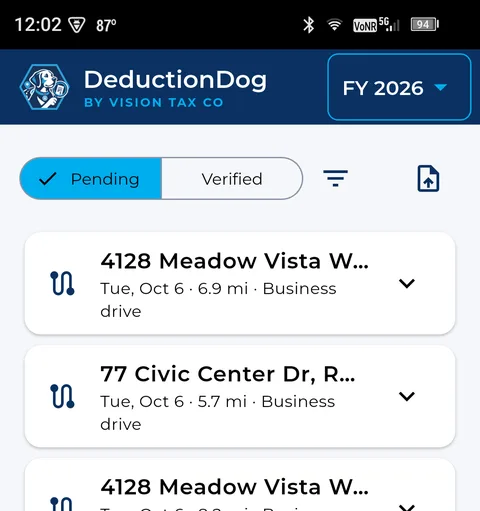
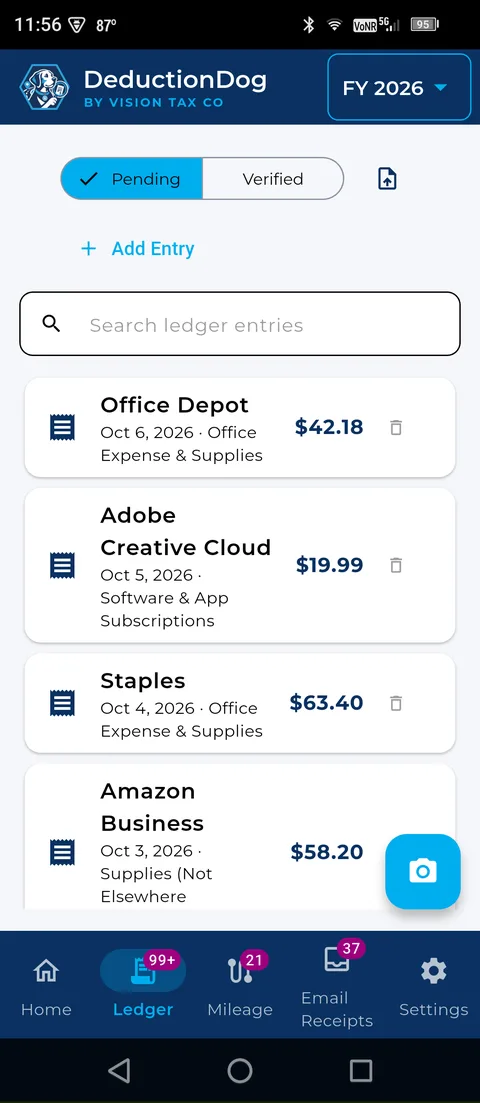
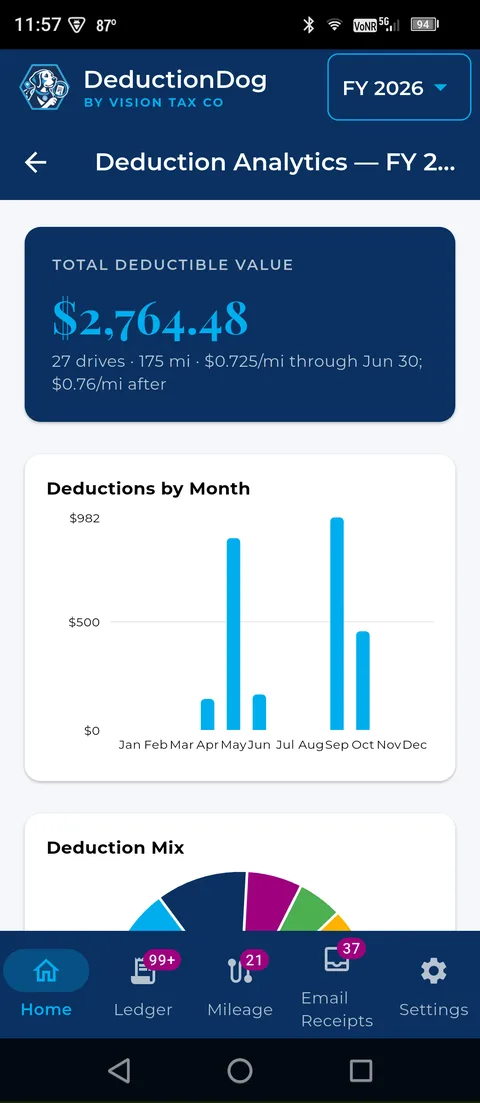
Real screens from the DeductionDog Android app.
Watch on YouTube
Everything the IRS expects to see, collected automatically.
Detects when you're driving and records the trip in the background — even when the app is closed. Label each drive business, commute, or personal.
Snap a photo of any receipt — vendor, amount, date, and itemized lines are extracted automatically. A personal item on a business receipt? Uncheck it and the filed total adjusts.
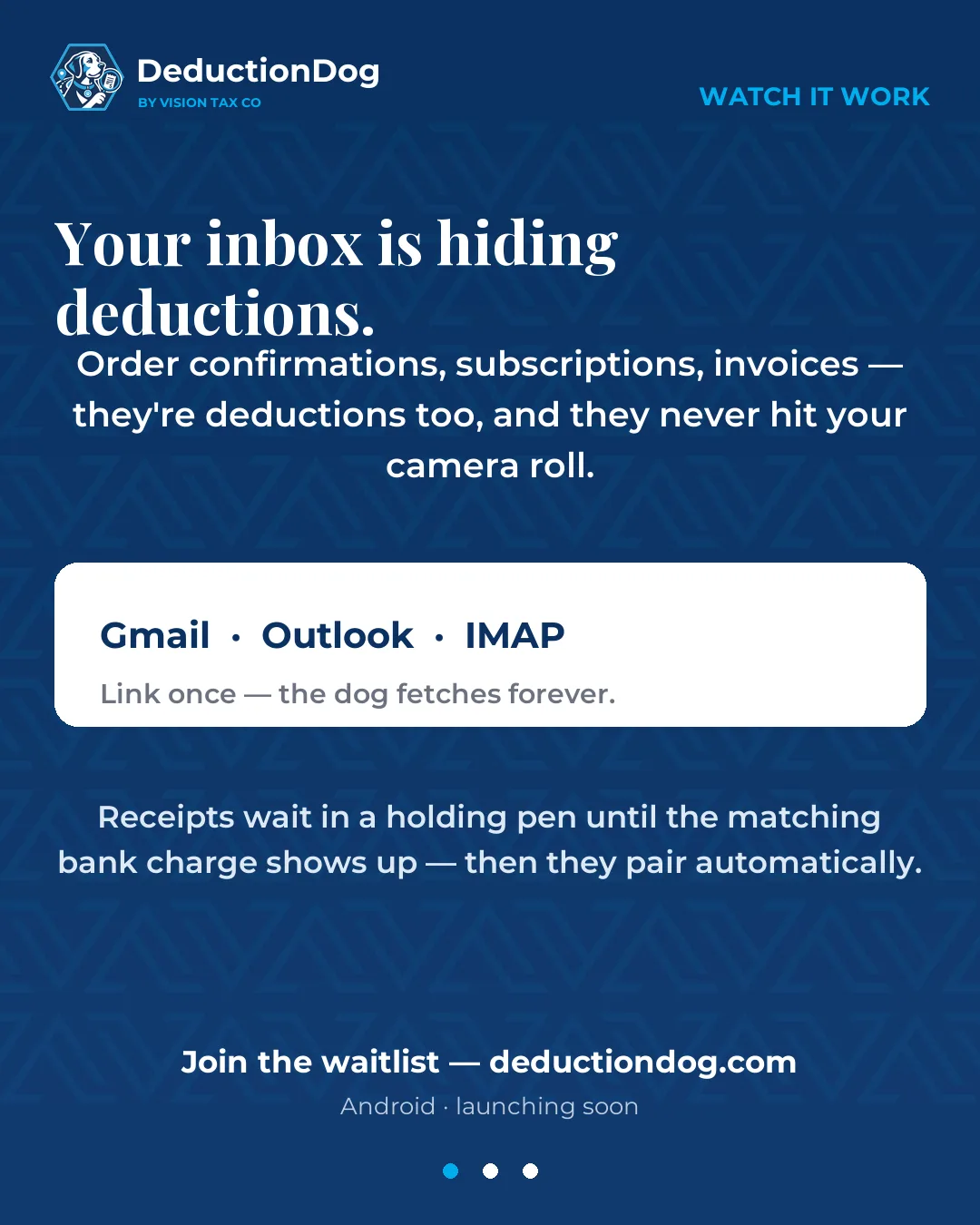
Link Gmail, Outlook, or IMAP mailboxes — found receipts wait in a holding pen for a matching bank charge. A one-time deep scan reaches back 5 years and files them into the right fiscal year.
Just say it — "twelve forty-nine at Office Depot yesterday" becomes a categorized ledger entry. No typing, no forms.
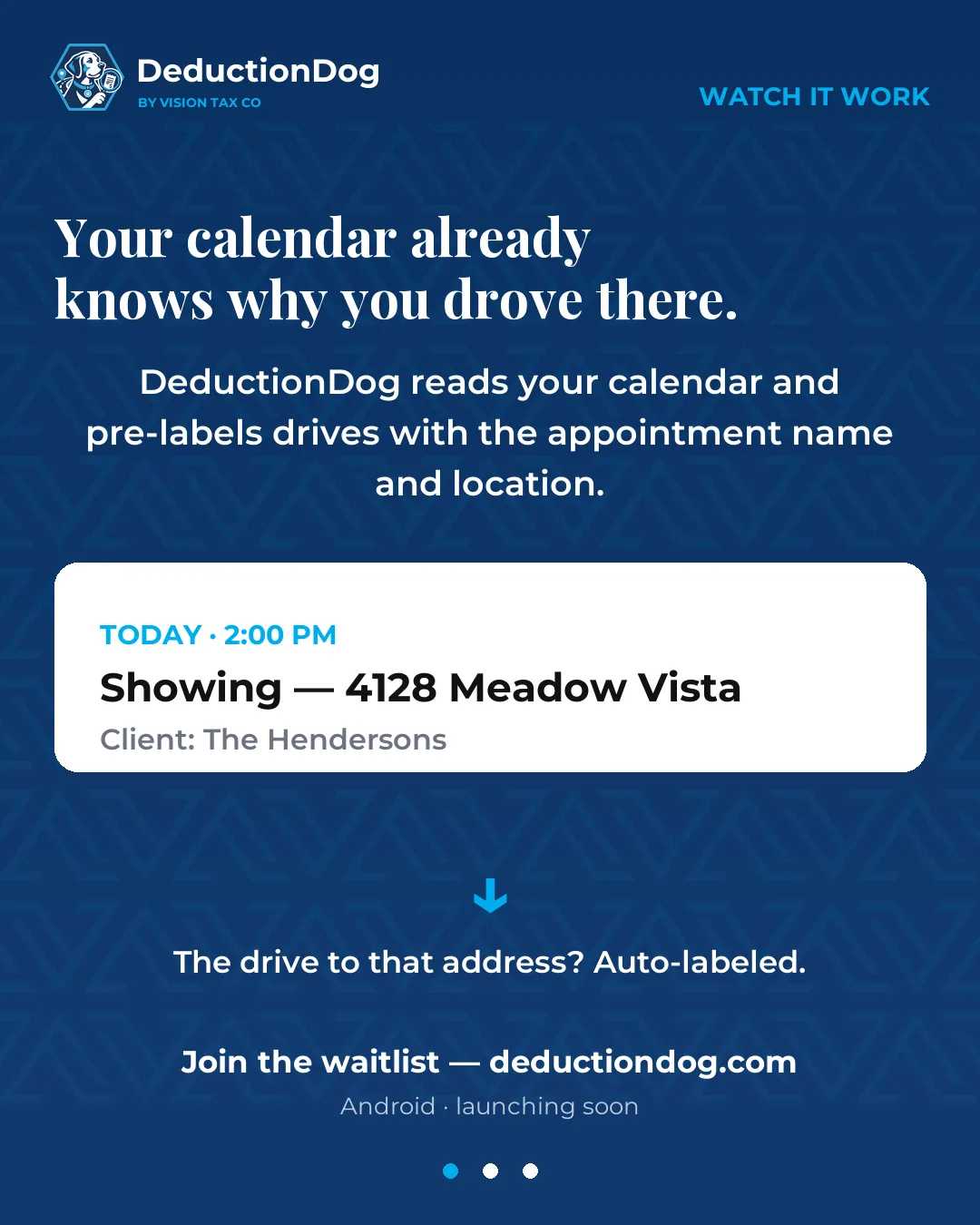
Drives that overlap your calendar get pre-labeled with the appointment — client name and location included.
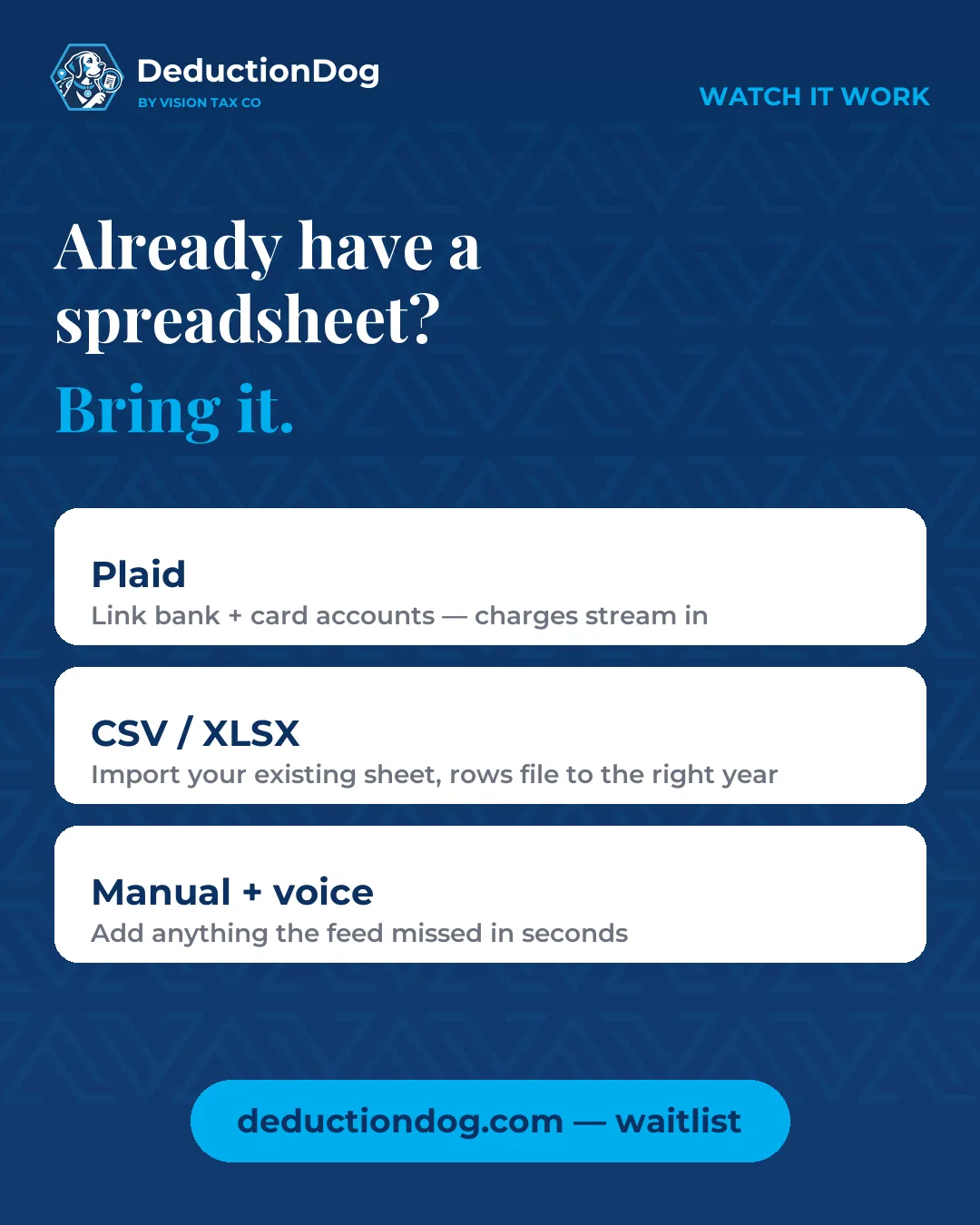
Link accounts through Plaid or import CSV/XLSX spreadsheets. Swipe through the review feed to mark each charge business or personal.
DeductionDog keeps hunting: flags recurring vendors to auto-verify, frequent routes worth labeling, and charges that look like they're missing a receipt — so evidence gaps surface before your accountant does.
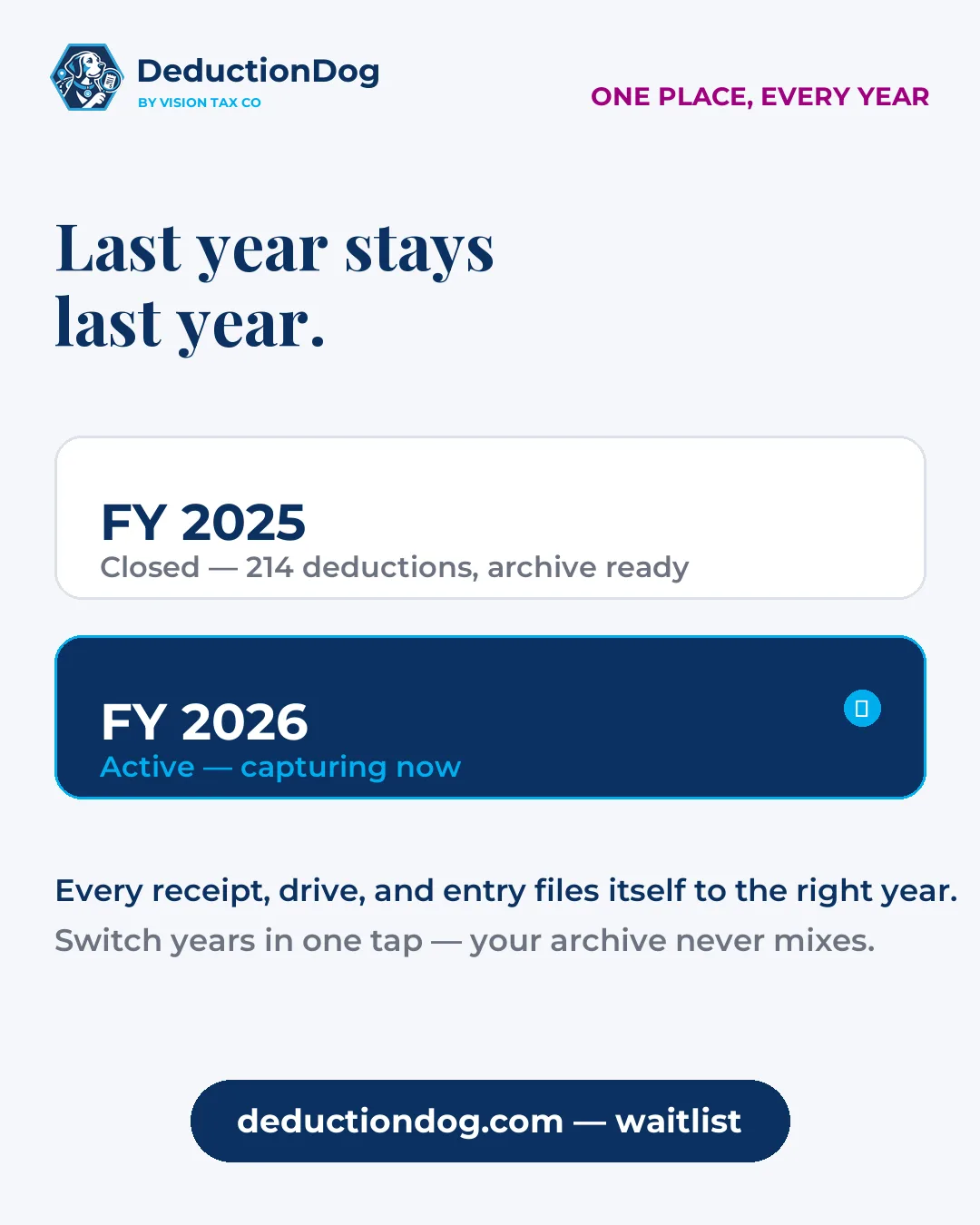
Every receipt, drive, and entry is scoped to the fiscal year it belongs to. Switch years in one tap — last year's records stay intact.
Slide to see how extra deductions change your self-employment tax, QBI deduction, and marginal bracket — computed with the correct IRS rates for the fiscal year you're viewing.
Tap any ledger row and get its exact Schedule C line, a plain-English reason it counts, and the audit caveats — like the 50% meals rule.
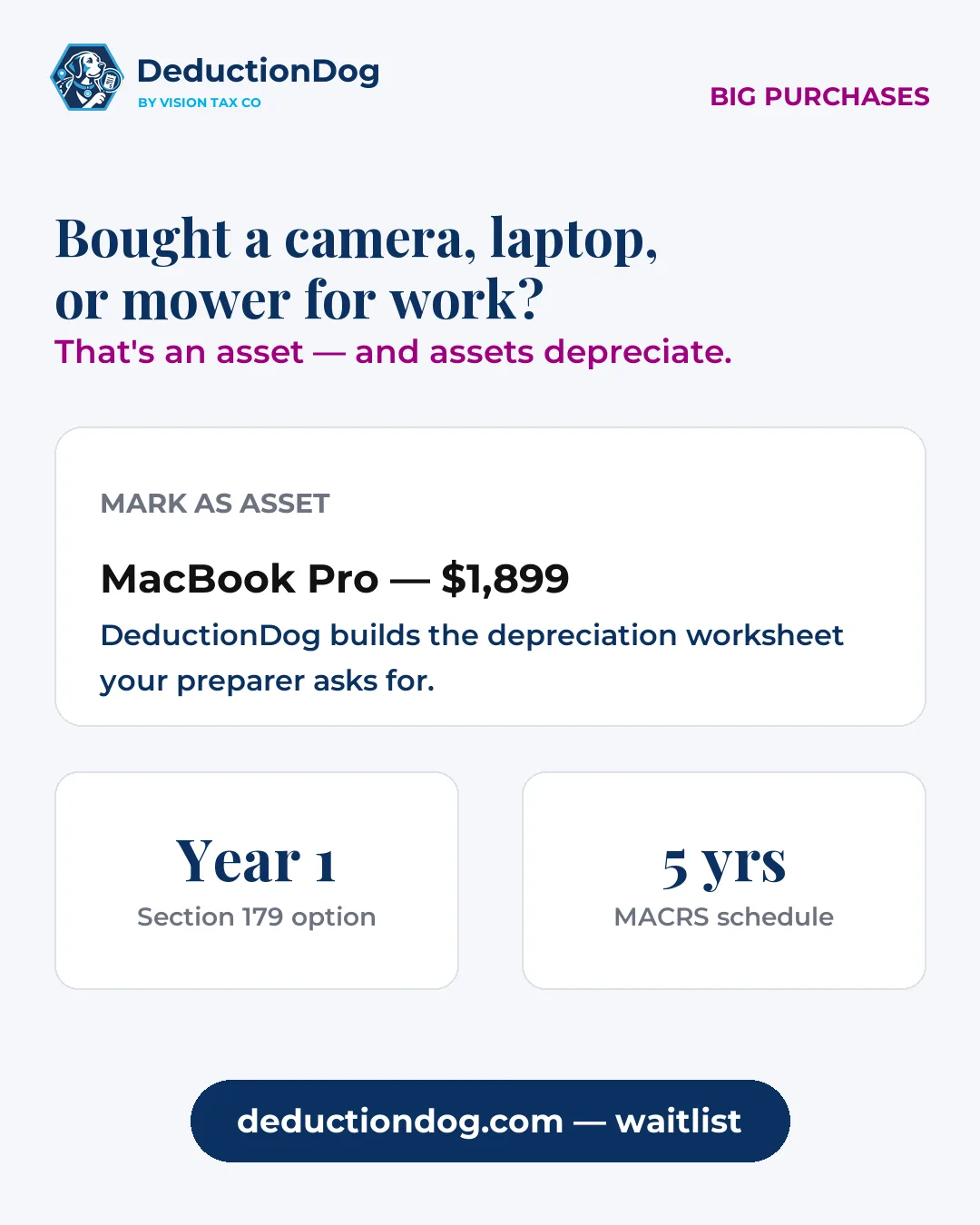
Mark any receipt-backed purchase as an asset — description, cost, business-use, in-service date — and the depreciation worksheet is ready for your preparer. The home-office wizard compares simplified vs. actual.
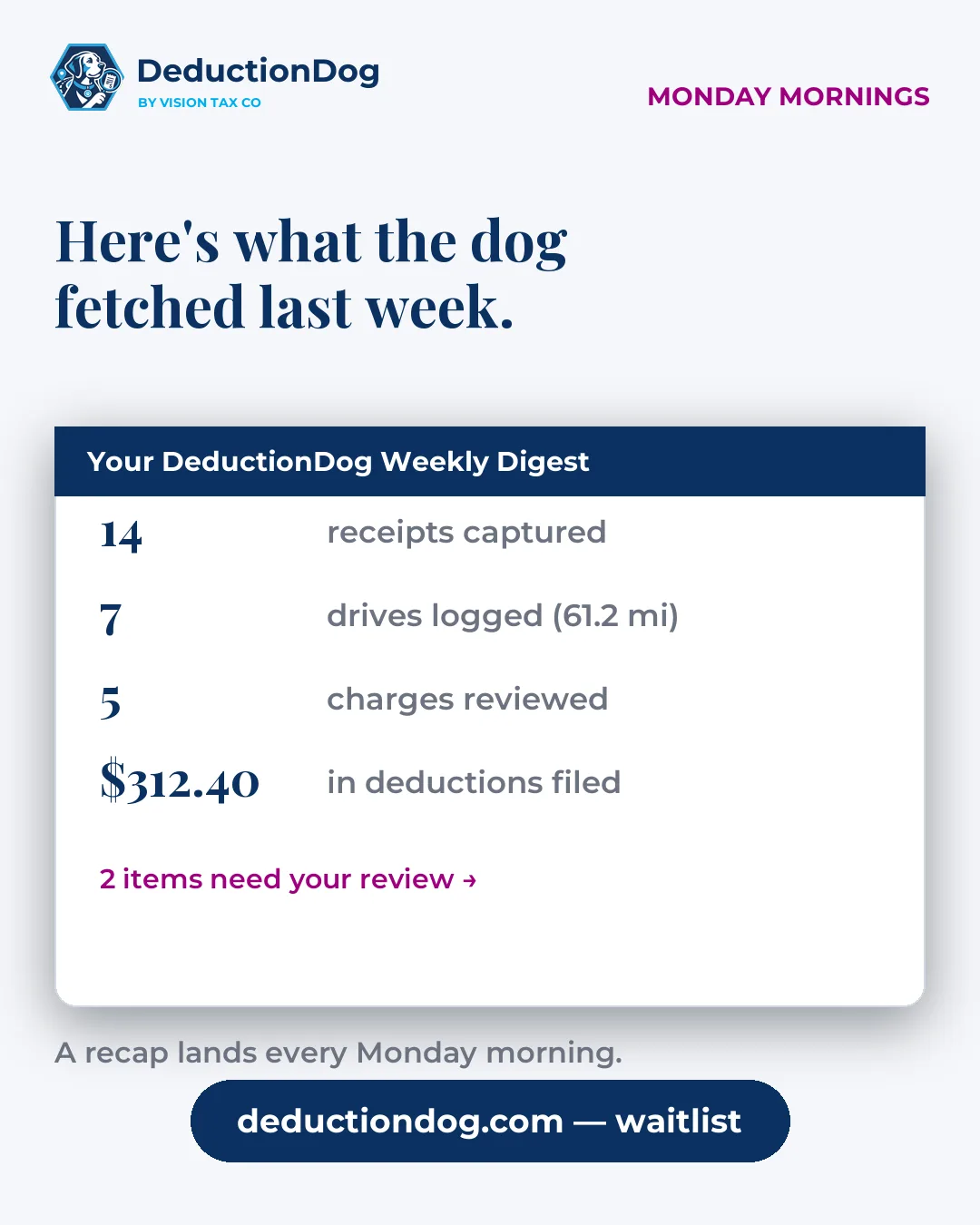
A weekly recap of what was captured, what needs review, and your running deduction totals — straight to your inbox.
One tap shares a PDF summary, ledger spreadsheets (XLSX/CSV), and a ZIP vault with every receipt attached — Schedule C ready.
The whole ledger on a real screen — review, verify, and export from any browser at deductiondog.com/app. Dense tables, bulk-friendly, same encrypted account.
Ask how anything works — the support assistant answers from the real help docs, never guesses at tax law, and hands off to a human when it's account-specific.


One tap builds a multipage evidence report — not a spreadsheet dump. Every claim on your Schedule C arrives with the paper trail to back it.
A shoebox can't tell you your Schedule C line. A mileage app can't match your receipts.
| Shoebox of receipts | Mileage-only apps | Generic expense trackers | DeductionDog | |
|---|---|---|---|---|
| Automatic mileage logging | — | ✓ | — | ✓ |
| Receipt OCR + photo capture | — | — | ✓ | ✓ |
| Mailbox receipt scanning | — | — | rare | ✓ |
| Bank feed reconciliation | — | — | ✓ | ✓ |
| Wallet + bank cross-source dedupe | — | — | rare | ✓ |
| IRS Schedule C mapping | — | — | — | ✓ |
| Audit evidence report | — | — | — | ✓ |
| Profession-aware categories | — | — | — | ✓ |
| Home-office + asset worksheets | — | — | — | ✓ |
| What-if tax planning | — | — | — | ✓ |
Sensitive fields are encrypted individually at rest — your bank tokens and email credentials aren't sitting in a readable database. Usage analytics are off by default, exports are always yours, and deletion actually deletes.
Privacy Policy · Data Retention · Security · Terms of Service
If you're a Realtor, DeductionDog speaks your language.
Categories tuned to your work: open houses, staging & MLS dues
The short answers — details live on the security and privacy pages.
DeductionDog is an Android app for self-employed workers that automatically captures receipts, mileage, and business expenses, maps them to IRS Schedule C categories, and produces an audit-ready evidence report for tax time.
The app detects when you're driving and records each trip in the background — even when the app is closed. You label each drive as business, commute, or personal, and every entry keeps the date, route, distance, and business purpose the IRS expects in a mileage log.
Receipts live in an encrypted vault with no public URLs, bank connections go through Plaid, and usage analytics are off by default — nothing is shared unless you turn it on in Settings. You can delete any record, or the whole account, at any time.
No. DeductionDog is a record-keeping tool — it organizes the evidence behind your deductions so your tax preparer (or your tax software) has a clean, documented package. It doesn't file returns, and nothing in the app is tax advice.
Schedule C is the IRS form sole proprietors and most 1099 workers use to report business income and expenses. Its line items — car expenses, supplies, advertising, and more — are where your deductions get claimed. DeductionDog maps each entry to the right line automatically.
Anyone who files as self-employed — realtors, rideshare and delivery drivers, freelancers, contractors, stylists, and dozens of other professions. If you get a 1099 instead of a W-2, it was built for you.
DeductionDog is launching soon on Android, with iOS planned after. Plans will be $14.99/month or $119.99/year with a 7-day free trial — full access, no feature or mileage limits — and early members get the yearly plan at its special introductory price.
Real deduction talk for the self-employed.

Episode 1
The shoebox problem
Why stuffing receipts in a box fails at tax time, what "audit-ready" actually means, and the mileage most 1099 workers never claim. With Jenny Shilling, Enrolled Agent.
DeductionDog launches soon. Be first in line for the $119.99/year introductory price.
Leave your email and we'll send you the download link the day DeductionDog hits the Play Store (and App Store later).